

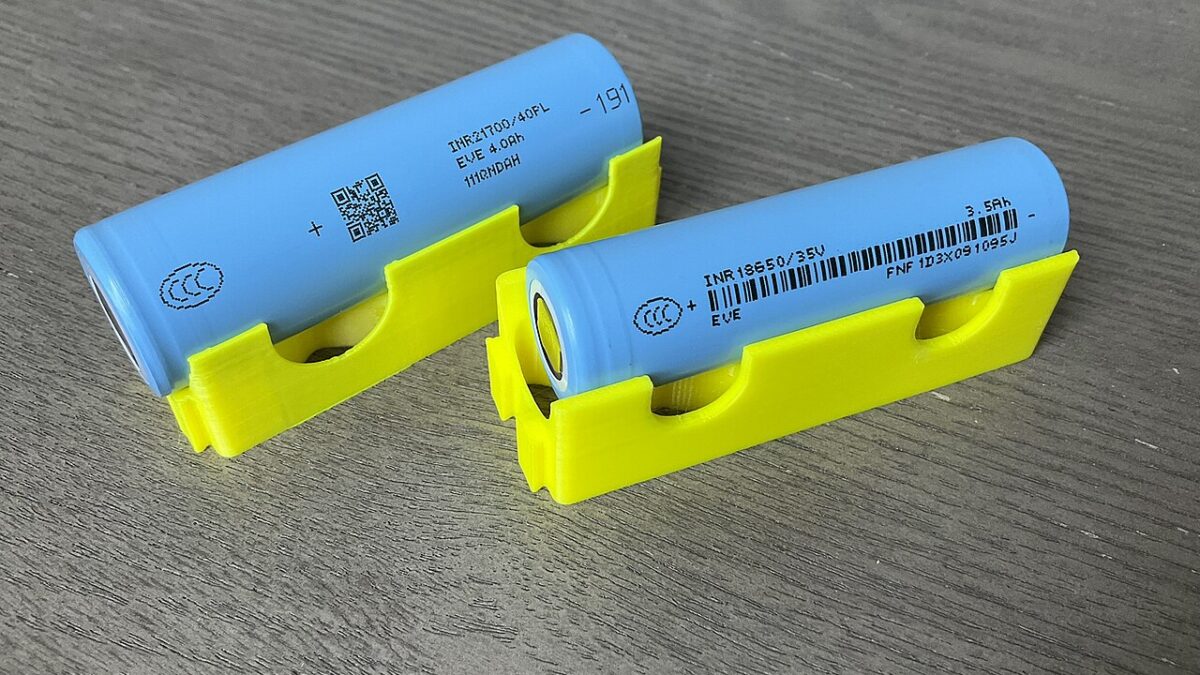
A phone battery is the one component you cannot avoid wearing out. Every charge is a small, permanent step toward the day it holds noticeably less — lithium-ion cells have a finite number of useful cycles by design (Lithium-ion battery, Wikipedia). You can’t stop the clock, but you can change how steeply it runs. The habits below are the difference between a battery that still feels new at two years and one that begs for a charger by lunch.
The core idea is simple: heat and full-depth cycling are the two things that age a lithium-ion cell fastest. Everything else is a variation on avoiding those (Rechargeable battery, Wikipedia).
Keep it in the middle
The single most useful habit is to avoid living at the extremes. Constantly draining to 0% and topping to 100% puts the cell through its full mechanical stress every cycle. In daily use, parking the battery roughly between 20% and 80% dramatically slows wear, because the top and bottom of the range are where the chemistry is most strained (Battery (electricity), Wikipedia).
That doesn’t mean you must panic at 79%. It means the routine matters more than the occasional full charge. If you normally plug in overnight and wake to 100%, the phone sits at peak voltage for hours — exactly the state that ages it. A better pattern is a midday top-up that keeps you in the comfortable band, with a full 100% only before a long day out.
Turn on optimized charging
Both major platforms now ship battery-protection features that do the middle-band work for you. On iPhone, Optimized Battery Charging learns your routine and holds the charge at around 80% overnight, finishing to 100% only just before you typically unplug. On Android, Adaptive Charging (or the equivalent from your manufacturer) does much the same. Turn these on — they are the cheapest years of extra life you will ever get.
If your phone lacks a smart mode, a low-tech version works: plug in a timer or just charge to ~80% before bed and top off in the morning. The goal is to avoid marinating at 100% for hours on end.
Heat is the real enemy
Heat does more lasting damage than almost anything else. A battery cooked in a hot car, left in direct sun, or buried under a pillow while fast-charging will lose capacity faster than one kept cool. Practical rules:
- Don’t leave the phone on a dashboard or windowsill in summer.
- Strip the case off while fast-charging if the back gets warm.
- Avoid demanding tasks (navigation, gaming) while plugged in and hot.
- Never charge a phone you suspect is already overheating — let it cool first.
A warm phone during a charge is normal; a hot one is a warning. The difference is the line between gentle wear and real damage.
Use proper chargers and cables
Cheap, unbranded chargers and cables can deliver uneven power and, in the worst cases, damage the battery or the phone’s charging circuitry. Stick to the manufacturer’s charger or a reputable certified alternative. The cable matters too — a worn or knock-off cable can cause intermittent, heat-generating connections. You don’t need the most expensive brick, but you do need one that meets the standard.
Fast charging itself is safe and convenient, but it generates more heat than slow charging. That’s fine for occasional use; if you fast-charge every night, the accumulated heat adds up. Mix in slower, cooler top-ups when you have the time.
Let the software do its job
Keep the operating system updated. Battery management lives partly in firmware — manufacturers ship improvements to charging behaviour, background limits, and thermal handling through updates. An old OS isn’t just a security risk; it can be leaving battery life on the table.
Also, resist the urge to “calibrate” constantly by full-draining the battery. Occasional full cycles (once every few months) help the percentage read accurately, but treating deep discharge as routine accelerates wear. The old nickel-battery advice about full discharges does not apply to lithium-ion.
If you’re storing it
A phone you won’t use for a while should be stored around 50% charge, not full and not empty, in a cool, dry place. A battery left at 100% for months ages faster; one left at 0% can drift into a state where it won’t take a charge at all. Power it on every month or two to check the level and top up toward 50% if needed.
When to actually replace
No habit beats chemistry forever. Watch for the signals:
- Health below ~80% — most phones now show a battery-health percentage; once it crosses this line, noticeable shortfall is normal.
- Unexpected shutdowns — the phone dying at 20% is a classic worn-cell symptom.
- Physical swelling — a bulging battery is a safety issue, not a convenience one. Stop using the device and have it serviced; don’t puncture or compress it.
Replacement is usually far cheaper than a new phone, and a fresh cell makes a two-year-old device feel new again — which is also the greener choice.
The decision in one breath
Charge in the middle, avoid heat, use optimized charging, and stick to real chargers. Do that and your battery will still be respectable at two years; skip it and you’ll be shopping for a replacement sooner than the hardware otherwise demands.
Bottom line: lithium-ion batteries wear on a schedule you can’t cancel, but heat and full-depth cycling are what steepen the curve. Keep the charge between roughly 20% and 80%, let optimized charging do the work, and your phone’s battery will outlast your impatience with it.



