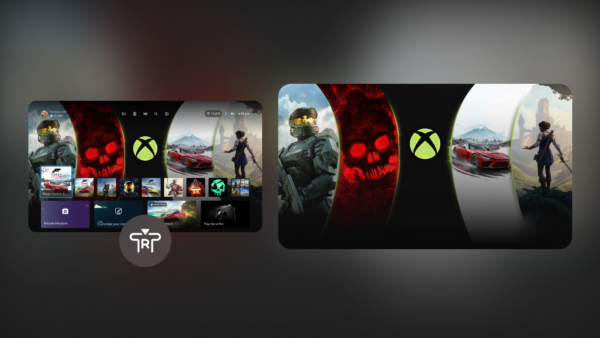
Valve’s SteamOS 3.8.10 release broadens the Linux-based gaming operating system beyond handhelds, adding official signposts for desktop and Steam Machine use cases. The update landed via Steam’s official news hub on June 17, 2026 Steam News, alongside improved Intel and AMD platform compatibility, desktop-mode updates, and new support paths for third-party hardware.
The release marks the first version of SteamOS with explicit, public guidance for users building their own Steam Machine-compatible desktops, rather than only supporting Valve’s own Steam Deck handheld or pre-built Steam Machine hardware.
Key updates in the SteamOS 3.8.10 release
The 3.8.10 baseline updates the underlying Arch Linux system root, a foundational change that improves package management and system stability for desktop deployments. The release also refreshes the desktop environment stack, moving KDE Plasma to version 6.4.3. Wayland is now the default display server for Desktop Mode, a shift from prior releases that used X11 by default for non-handheld installs Steam News.
These changes directly address a documented pain point for desktop users: earlier SteamOS versions often delivered lower performance in Desktop Mode than in Game Mode, leading to inconsistent experiences when running the OS on standard desktop hardware Steam News.
Beyond desktop environment changes, the 3.8.10 release adds several features targeted at broader hardware compatibility. Initial support is included for upcoming third-party Steam Machine hardware from partner manufacturers. The release also improves compatibility with recent Intel and AMD CPU and chipset platforms, adds virtio VM guest drivers for users running SteamOS in virtual machines, and enables third-party devices to trigger the SteamOS boot menu via EFI Steam News.
A new custom-update verb is also included for targeted build testing, a tool that lets developers and advanced users test specific system updates without applying full release builds. These additions signal Valve is investing in general-purpose desktop compatibility, even as its public messaging continues to center gaming use cases for the platform Steam News.

Official hardware support for SteamOS 3.8.10 desktop installs
Current Steam Support guidance confirms that compatibility with AMD-powered PCs — both handhelds and desktops — has improved in the 3.8.10 release. For builders working with AMD devices not on the official Powered by SteamOS list, Steam Support directs users to submit bug reports and feedback via the public SteamOS GitHub repository Steam Support.
The official Powered by SteamOS product list includes three certified devices as of the 3.8.10 release: the Steam Deck handheld, pre-built Steam Machine hardware, and the Lenovo Legion Go S handheld. A separate beta support list covers additional AMD-powered handhelds: the Legion Go, ROG Ally, and ROG Ally X Steam Support.
Public Steam Support documentation does not list any Nvidia-based desktop or handheld configurations as supported for SteamOS 3.8.10 Steam Support.
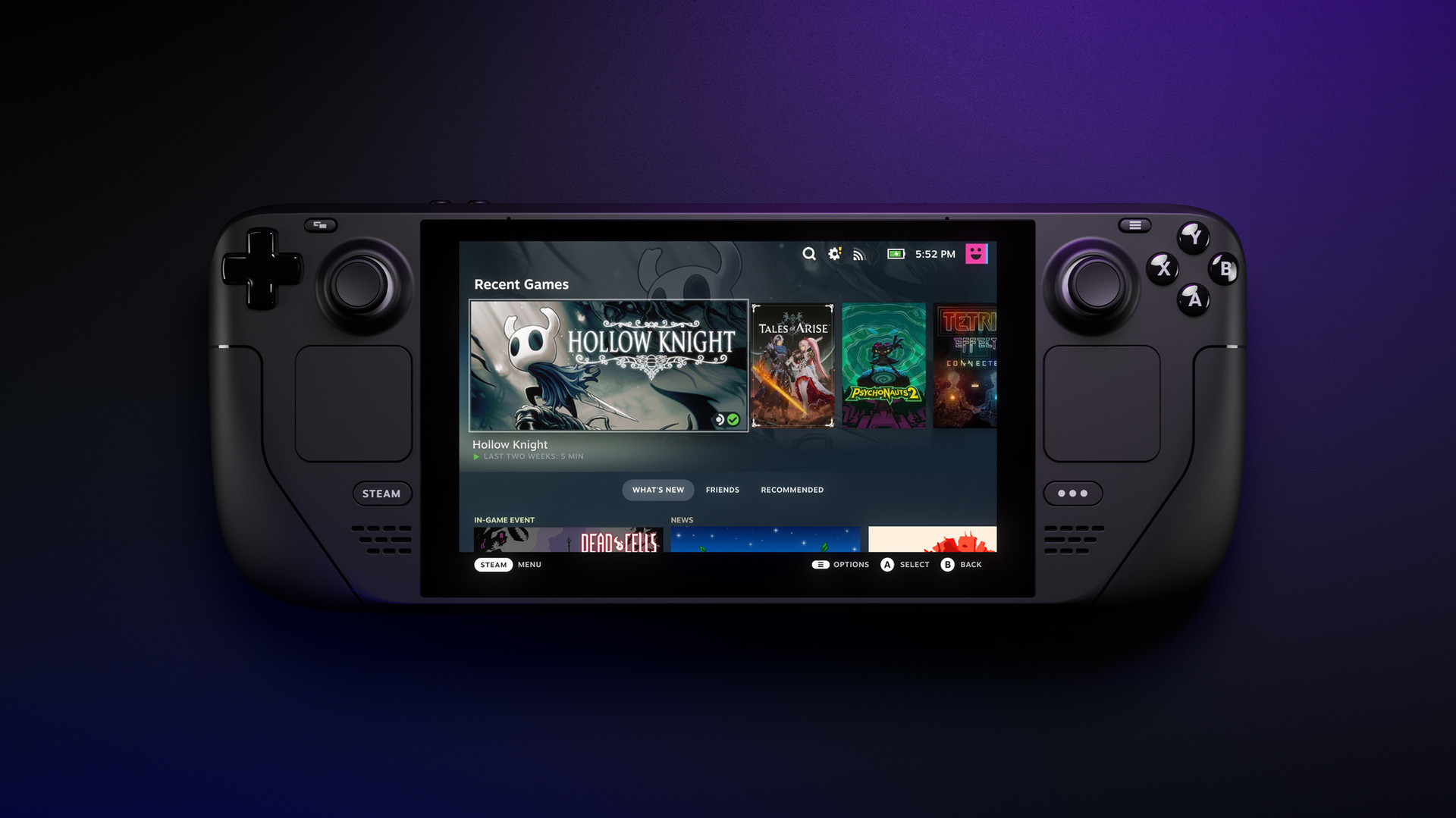
Official SteamOS 3.8.10 desktop installation process
Steam Support publishes a recovery-based installer for clean SteamOS installs on desktop hardware. The process requires an 8GB USB drive to write the SteamOS recovery image, followed by disabling Secure Boot on the target device if required, booting from the recovery USB, and selecting the “Wipe Device & Install SteamOS” option to complete the installation Steam Support.
The official installer is built exclusively for fresh, empty storage disks. It does not include a dual-boot wizard for coexisting with other operating systems such as Windows. Users who want to preserve an existing OS on their target drive must either treat the drive as disposable or use a spare PC for their SteamOS build Steam Support.
Current limitations for DIY Steam Machine builds with SteamOS 3.8.10
As of the June 17, 2026 3.8.10 release Steam News, the only supported configuration for a DIY Steam Machine is AMD-based desktop hardware paired with a fresh, empty storage drive. There is no official support for Nvidia GPUs or CPUs, and no built-in tooling for dual-booting with other operating systems Steam Support.
Users are also responsible for their own backup and recovery workflows for the target device, as the official installer does not include built-in recovery tools for dual-boot or multi-OS setups Steam Support.
Valve’s broader public hardware strategy indicates long-term plans to expand desktop installer tooling, add support for additional GPU partners, and eventually add easier coexistence with other operating systems. For now, the 3.8.10 release is best suited for users building a dedicated couch gaming PC who do not need to dual-boot or use Nvidia hardware Steam News.
Editorial note: Citation cleanup: we trimmed duplicate citation links that repeated the same source after multiple paragraphs. Every fact and quote is unchanged; the source remains cited where each claim appears.