

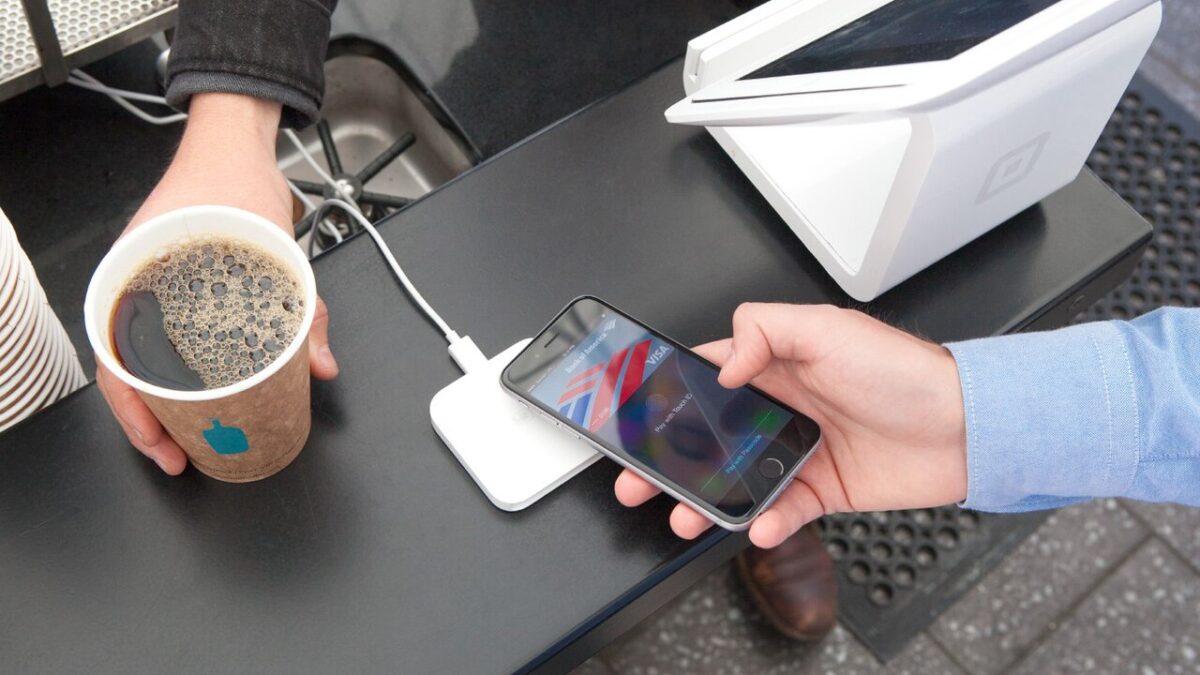
Most Apple Pay updates are invisible plumbing — a new bank here, a supported country there. The batch arriving with iOS 27 is different, because for the first time in years the part of Apple Pay you actually look at every day, the checkout sheet, is getting reworked. Alongside that redesign come three functional additions: a way to spend American Express points at checkout, an in-store handoff feature built on Tap to Pay, and the ability to reload a debit card without leaving Wallet. None of them are live for everyone yet, and the timelines differ, so it is worth separating what ships in the fall from what Apple has only said is coming “later this year.”
The checkout sheet finally lets you swipe between cards
The headline change is the one you will notice within a second of your first tap. In iOS 27, the Apple Pay checkout interface is redesigned so you can swipe horizontally between your cards directly on the main payment screen, rather than tapping into a separate list to change which card pays (9to5Mac). Tap a card and you get a grid view of every card you have loaded, which is a meaningful upgrade if you juggle a personal card, a business card, and a travel card depending on the purchase.
The redesign also surfaces information that used to be buried. Each card in the new sheet can show its rewards, current balance, and pay-later options inline, so the decision of which card to use is informed at the moment of payment instead of after the fact. That matters because card choice at checkout is exactly where rewards are won or lost, and Apple’s own framing of Apple Pay has always leaned on giving people flexibility to “pay in full or split your purchases into smaller payments over time” (Apple). Putting that flexibility on the front screen is a small design change with an outsized effect on behavior.
American Express points become a checkout option
The second addition is a partnership feature. Through a new tie-up between Apple and American Express, iOS 27 adds a “Use Rewards” option that appears alongside your Membership Rewards balance when you pay with an eligible Amex card online or in apps (9to5Mac). You can apply points to cover all or part of a purchase from inside the Apple Pay flow, without bouncing out to the Amex app or website first.
The exchange rate is the detail worth memorizing before you lean on it: redeemed this way, points are valued at 0.7 cents each. In practical terms, 10,000 Membership Rewards points knock $70 off a purchase. That is a below-peak redemption rate — transferring Amex points to airline or hotel partners can be worth considerably more — so the feature is best understood as a convenience for small, everyday spending rather than a way to maximize the value of a large points balance. For a $15 lunch, tapping “Use Rewards” is frictionless; for a big-ticket item, you may still want to redeem elsewhere.
Tap to Share turns Tap to Pay into a two-way exchange
The third feature reframes what “tapping” at a register can mean. Apple is adding Tap to Share, which it describes as an extension of Tap to Pay on iPhone — the technology that already lets a merchant accept contactless payments on their own iPhone with no extra hardware (Apple Developer). With Tap to Share, a customer taps a participating merchant’s iPhone to securely share information such as an email address, contact details, shipping address, and loyalty membership, then can watch their basket update in real time as items are rung up before completing checkout with Apple Pay.
That flips Tap to Pay from a one-directional payment terminal into a short two-way session between two iPhones. The practical payoff is a faster in-store experience where loyalty rewards and discounts are applied automatically and the shopper can confirm the running total on their own screen. Apple says Tap to Share will launch this fall alongside iOS 27.
Debit top-ups move inside Wallet
The fourth change is the most understated and the least defined on timing. Apple says that later this year, iPhone users will be able to manage supported debit card balances directly in the Apple Pay interface — adding money to a debit card from within Apple Wallet or at the point of checkout. For anyone who uses a reloadable or prepaid-style debit product, that removes a trip to a separate banking app just to top up before a purchase.
It also fits the broader direction Apple has pushed for years: keeping the entire payment lifecycle — adding a card, choosing it, paying, tracking the order, and now funding it — inside Wallet, where “your actual card number isn’t shared by Apple with merchants or stored on Apple servers” (Apple).
When you can actually use these
The split matters. iOS 27 is currently in developer and public beta and will be released broadly this fall, which is when the checkout redesign and Tap to Share are expected to arrive. The American Express redemption option rides on the Apple–Amex partnership and appears in the redesigned checkout flow for eligible cardholders. The debit balance management feature is the vaguest, tagged only for “later this year.” Apple Pay is already accepted at more than 85 percent of U.S. retailers, so the reach is there — what iOS 27 changes is not where you can pay, but how much control and information you have in the two seconds it takes to do it.



