
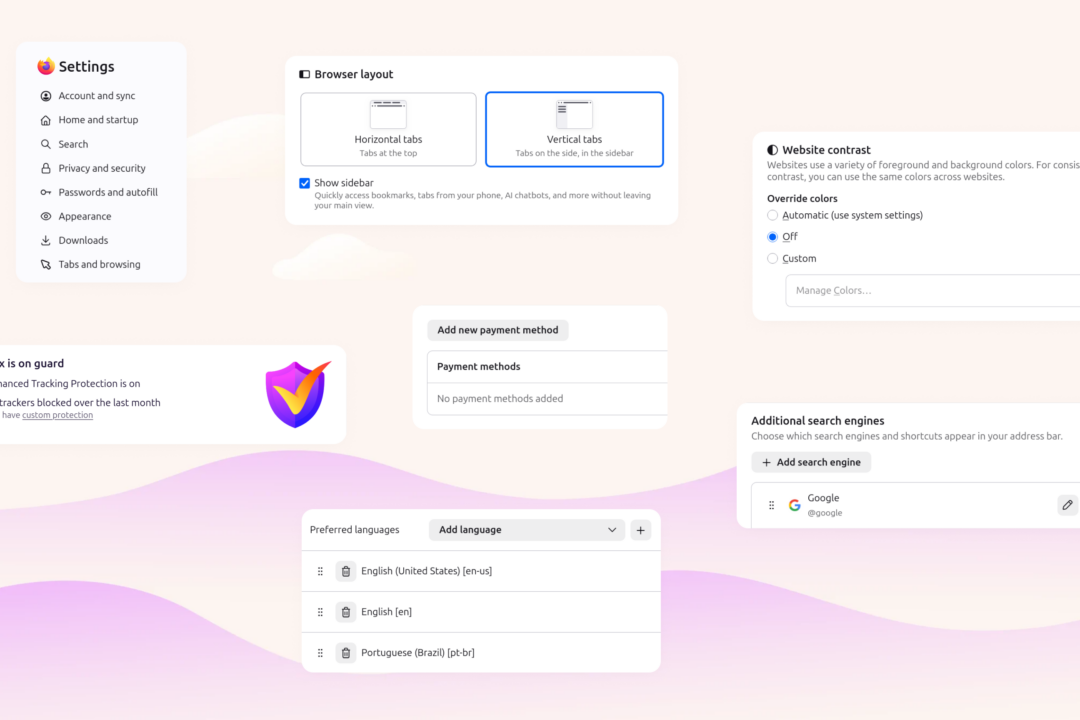
Mozilla has launched a full redesign of Firefox’s settings interface, making Firefox easier than ever to customize by retiring the legacy General page and reorganizing preferences into logical, categorized sections per Mozilla’s official announcement. The update preserves all existing user preferences while streamlining navigation for both new and long-time users.
Firefox settings redesign reorganizes preferences into categorized sections
The most prominent change is the retirement of the long-standing General settings page. Options previously housed on that page are now distributed to more specific, purpose-built categories including Appearance, Accessibility, Languages, and Tabs and browsing as documented in Mozilla’s official release notes. For example, homepage customization settings that were previously grouped with general browser preferences now live under the Appearance category, while regional language settings are housed in the dedicated Languages section.
The new interface features a cleaner, modern visual design, plus updated labels and descriptions for all preferences to reduce ambiguity for new users. A search bar is available within the settings interface for users who prefer to locate specific options by keyword, even if they do not know its new category. Mozilla Support has published updated guidance to help users navigate the changes.
Redesign incorporated community and user feedback
Mozilla stated the redesign was built on extensive user research and direct community input. Feedback was collected from the Firefox community via Mozilla Connect, Reddit, and other official channels per the official project announcement.
The project also included cross-functional collaboration between Mozilla’s product, design, and engineering teams to ensure the new interface met user needs.
No breaking changes to existing user preferences
Unlike many browser UI overhauls that require users to reconfigure customizations or re-learn menu locations, Mozilla confirmed no existing preferences were modified, reset, or deprecated as part of the update. All user-configured settings — including custom homepage URLs, search engine defaults, privacy toggle states, and installed browser themes — remain fully functional without any required user action.
The only change for existing users is the new location of preferences that were previously housed on the General page, with no impact on the underlying functionality of any setting. Users who cannot locate a specific option can use the available search bar or reference updated Mozilla Support documentation to find its new category.
Bottom line: Firefox users can access the new settings interface by updating to the latest stable browser release, no reconfiguration of existing customizations is required, and the built-in settings search bar lets users locate moved options without referencing external support documentation.