

Google used its Made by Google event to introduce the Pixel 11 Pro Fold, the Pixel Watch 5, and a wider Pixel family, and it paired the new hardware with concrete developer guidance for building apps that adapt to those shapes and to on-device AI. The company published the playbook on its Android Developers Blog, framing the moment as a chance for developers to extend existing apps to foldables, wrist-sized screens, and local machine intelligence without a full rewrite, and it urged developers to start optimizing now. Google positioned the launch as proof that hardware and software are evolving together, and the 2026 devices are the clearest signal yet that adaptive design is no longer a niche concern. For product teams that have deferred foldable support as a “later” project, the timing matters because the rest of Google’s ecosystem is raising the baseline at the same moment. The Pixel 11 Pro Fold in particular normalizes a tablet-sized canvas that closes into a phone, so the same app must now feel native in both states rather than bolting on a stretched phone view.
The 14x number that reframes foldables as a revenue problem
The commercial incentive is the headline. Google says foldable users spend about 14 times more than standard phone users, a gap the company wants developers to capture by treating the large, foldable canvas as a first-class surface rather than an afterthought Google’s Android Developers Blog. That claim is the business case underneath the technical guidance, and it pushes product teams to stop shipping phone-only layouts and start designing for a screen that can be pocket-sized or tablet-sized within the same session. When Google projects that a foldable device class spends that much more per user, the marginal cost of building an adaptive layout looks small against the upside of capturing that audience before competitors do. For product managers, the announcement is less about a single phone and more about a durable shift in where engagement and monetization concentrate. The figure also reframes the build decision: the question is no longer whether a foldable layout is worth the engineering, but whether leaving that audience unserved is affordable. Developers who already ship a tablet layout are most of the way there; the new work is mostly about guaranteeing that state survives the move between screens.
How to make layouts survive folding
The practical path Google recommends is to track actual app dimensions instead of physical device size, especially during split-screen and multitasking flows. The company points developers to Window Size Classes from the WindowManager library, which lets a layout treat folds and hinges as natural content separators, and to ViewModel for preserving UI state such as scroll position, form inputs, and open dialogs across configuration changes Android Jetpack. Preserving state with ViewModel keeps interactions uninterrupted when transitioning between inner and outer screens, which is exactly the seam where poorly written apps lose the user’s place today. The deeper lesson is that physical-screen math breaks the moment two apps share a display or a fold splits a single app into panes, so a layout keyed to device model rather than live dimensions will misbehave exactly when users expect it to be most capable.
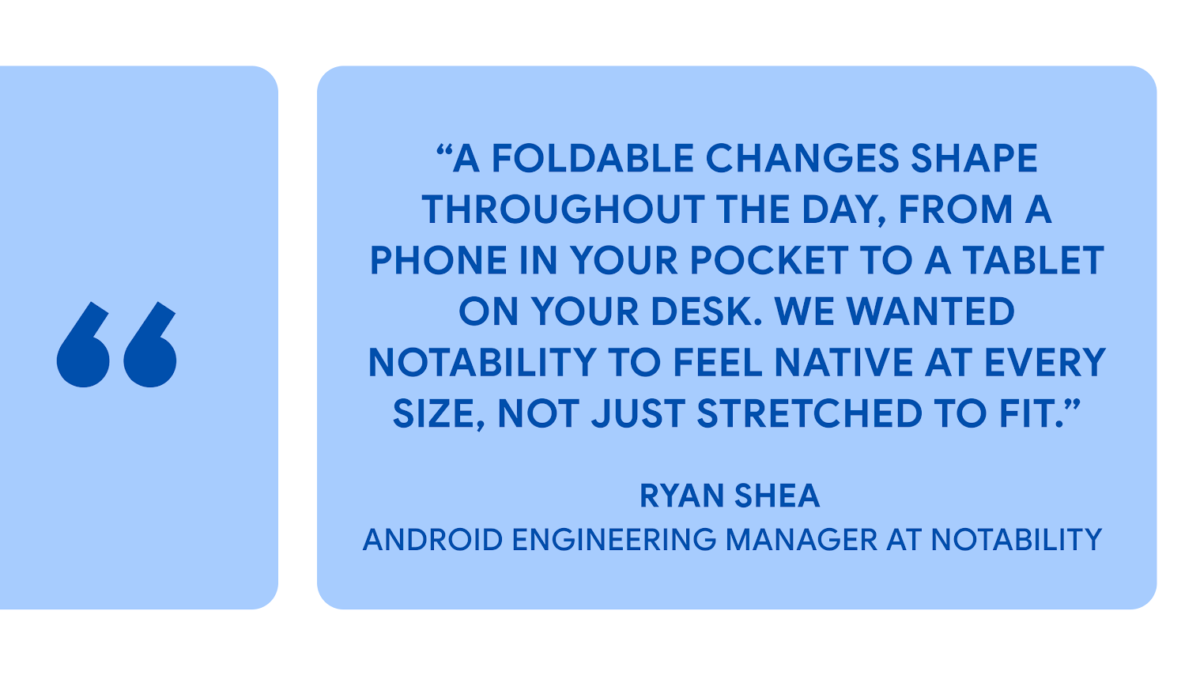
Flo Health became the reference customer in the announcement. The company used Jetpack Compose state primitives, ViewModel, and Window Size Classes to make its highest-traffic user journeys resilient to rotation, fold or unfold, and resizing transitions. Its senior Android engineer Aleksandr Kolodiazhnyi said the adaptive guidance “turned what looked like a major refactor into a templated rollout,” allowing the team to adopt Compose primitives without a rewrite and cutting state-preservation code by roughly 30 percent while fixing lifecycle and analytics correctness issues that improved the app on every form factor Google’s Android Developers Blog. Beyond size classes, Google tells developers to use FoldingFeature updates to trigger posture-specific layouts: in tabletop posture, when a user partially folds the device, the UI can split automatically by placing primary controls on the lower display and main content or a viewfinder on the upper display. A video call is the obvious example, with the participant feed above and the mute and camera toggles below, but the same hinge-as-separator pattern works for any task that benefits from keeping input and output apart.
Camera behavior is the other place foldables break naive implementations. Handling camera previews across foldable state changes means managing orientation shifts carefully, and Google recommends migrating to the CameraX library for automatic handling of sensor rotation and display scaling across screens. Existing Camera2 codebases can reach stability through the CameraViewfinder library, which together enable dual-screen previewing and high-resolution rear-camera selfies with minimal custom logic Android Jetpack. Camera previews are notoriously stateful, and a wrong orientation on one panel undermines the whole foldable experience. The guidance is useful because most teams have not rewritten camera code in years, so a library that absorbs the posture edge cases removes the most fragile custom surface without a ground-up migration.
Wear OS 7 gestures and on-device Gemini Nano 4
On the wrist, Google is shipping a one-handed gestures framework so users can interact without touching the opposite hand. Starting with the 1.7 beta release of Compose for Wear OS 7, developers can integrate physical inputs like a double-pinch or wrist turn; Spotify is adopting the framework so a double-pinch can pause or resume playback, keeping music controls accessible when hands are full. Wear OS 7 also brings Live Updates to the wrist for real-time information such as live sports scores, workout progress, and delivery status, which can also appear in the At-a-Glance surface on Pixel Watch 5, and Just Eat uses Live Updates to keep users informed of order arrival times at a glance. Alongside that, Wear OS 7 delivers up to a 10 percent improvement in battery life over Wear OS 6, and the new Wear Widgets ship in small and large layouts that align with the 2×1 and 2×2 formats already used on mobile, replacing the older Tiles framework with something more expressive built on Jetpack Glance and RemoteCompose Google’s Android Developers Blog. The Pixel 11 devices are built to run Gemini Nano 4 for on-device intelligence, letting apps offer low-latency interactions without cloud round trips through the ML Kit GenAI Prompt API, and Google says the model supports more than 140 languages and better multimodal understanding, with capabilities like structured output and thinking mode that developers can call directly from the device. To speed adoption further, Google is publishing “Android skills,” AI-optimized instructions for agents and tools, so a developer can prompt an agent with a CameraX skill to handle camera display scaling across foldables or use the Adaptive skill to set up dynamic Compose layouts without manual work. Running inference locally changes the calculus for features that need to feel instant, and because the work happens on the device, sensitive inputs such as health readings, financial queries, or private messages stay on the hardware rather than being sent to a server. For categories like health tracking, banking, and messaging, that on-device boundary also simplifies the privacy review that normally slows a cloud-backed feature, because no personal data leaves the phone.
Start with an audit, not a rebuild
The immediate action item for most teams is an audit, not a rebuild. Checking whether current layouts already use Window Size Classes and ViewModel, and whether camera code sits on CameraX, surfaces the gaps the Pixel 11 hardware will expose. Google’s point is that the work is incremental: adopt the primitives, let them absorb the posture and orientation edge cases, and reserve custom logic for genuinely novel interactions. A practical first pass is to open the app on a large-screen emulator, force a fold or split-screen, and watch where state resets or layouts clip; the failures that surface there are the exact ones the new guidance is designed to eliminate. The cost of inaction is not only a poor review; Android 17’s resizability rules mean an app that ignores large screens can look broken on the very devices Google is now promoting, which turns a deferred task into a public defect.
Most of this guidance sits on top of Kotlin and Jetpack Compose, Google’s recommended stack for writing safer, more concise Android code, and the company continues to steer new feature work toward that foundation Kotlin on Android. For teams already on Kotlin and Compose, the new Pixel guidance is largely a matter of applying patterns they may already know to a broader range of device postures.
The Pixel 11 push does not happen in isolation. Android 17 now enforces large-screen resizability on Pixel devices, raising the baseline expectation that apps behave on bigger canvases rather than letterboxing Android 17 large-screen mandates, and Google’s own first-party apps are moving quickly, as shown by the redesigned Google Finance Android app with AI portfolio tools and custom market briefings Google Finance Android app. The coordinated signal is that adaptive, glanceable, and on-device-smart is the default for Google’s 2026 hardware ecosystem, not an optional extra. Teams that treat the Pixel 11 Pro Fold as a one-off device will be caught off guard when the same expectations arrive on every large-screen Pixel.



