Marcus runs a small design studio from a 1,800-square-foot home with a brick fireplace dead center and a converted garage office at the far end. His single high-end router sits in the living room, and every video call from the garage sounds like a robot drowning. He is not unlucky and he did not buy a bad router — he ran into the fundamental limit of one broadcast point trying to cover a real building. The fix that actually worked was not a bigger antenna but a Wi-Fi 7 mesh system. This is the concrete use case for mesh, and why the latest standard finally makes it worth the money.
The dead-zone problem a single router cannot solve
A router is one radio shouting from one spot. Radio waves hate distance, walls, metal, and competing signals from the neighbor’s network. Past about 30 feet or two walls, throughput collapses and packets drop. Moving the router to the middle of the house helps one room and hurts another. There is no single position that reaches everywhere, which is why “why is my Wi-Fi slow in the bedroom” is the most common home-networking complaint there is.
The instinct is to buy a more powerful router, but transmit power is already capped by regulation. You cannot legally shout louder. What you can do is add more mouths — and that is exactly what a mesh system does.
What a mesh system actually is
A mesh kit is two or more nodes that together form one network with a single name. Your phone connects to whichever node has the strongest signal and hands off as you walk around, the same way a cell phone jumps between towers. Unlike an old “range extender,” a mesh node is a full participant in the network rather than a half-duplex repeater that halves your speed (IEEE 802.11be / Wi-Fi 7 overview). The garage office gets its own node, the living room keeps the primary, and the dead zone disappears because there is now a radio ten feet away instead of forty.
Why Wi-Fi 7 changes the math
Earlier mesh systems were held back by backhaul — the link between nodes. If the nodes talked to each other and to your devices on the same channel, every hop cost you speed. Wi-Fi 7, standardized as IEEE 802.11be and certified under the Wi-Fi Certified 7 program starting January 2024, attacks that problem directly (Wi-Fi Alliance — Wi-Fi Certified 7).
The headline feature is Multi-Link Operation (MLO), which is mandatory for Wi-Fi 7 certification. MLO lets a device send and receive across the 2.4 GHz, 5 GHz, and 6 GHz bands at the same time (802.11be MLO detail). In a mesh, that means a node can use one band to talk to your laptop and another to talk to the rest of the mesh simultaneously, instead of time-slicing a single link. The result is lower latency and steadier throughput on every hop.
Two more Wi-Fi 7 upgrades matter for the home use case. 320 MHz channels double the widest channel Wi-Fi 6 offered, and 4096-QAM (4K-QAM) packs about 20% more data per symbol than Wi-Fi 6’s 1024-QAM at the same baud rate (802.11be modulation). On a capable client near a node, that translates to the multi-gigabit local speeds that make wireless 4K editing or large backups actually pleasant.
The placement that makes it work
Hardware alone is not the win; topology is. Marcus’s setup that finally held:
- Primary node wired to the modem in the living room, central to the home’s footprint.
- A satellite node wired to the primary with an Ethernet cable run to the garage office. Wired backhaul is the secret sauce — when nodes talk over cable instead of radio, the wireless spectrum is freed entirely for your devices.
- A second satellite on the upper floor, placed where the signal from the primary was weakest, powered over the existing electrical outlets.
With wired backhaul between nodes, the 6 GHz band stays available for client devices instead of being consumed by inter-node chatter — a direct benefit of MLO’s ability to dedicate bands to specific links.
The measured outcome
After the mesh went in, the garage office jumped from a flaky 40 Mbps with constant call drops to a stable 600+ Mbps on Wi-Fi 7-capable laptops, and even older phones saw three to four times the previous speed because they were simply closer to a node. Latency to the router dropped under 5 ms. The robot-drowning calls became boring, which is the highest compliment a network can earn.
Where mesh still falls short
Be clear-eyed. Wi-Fi 7’s fastest features lean on the 6 GHz band, which has shorter range and poorer wall penetration than 5 GHz, so you need nodes reasonably placed and clients that support 6 GHz to feel the top-end gain (802.11be bands). A mesh adds a small amount of latency versus a single wired access point, which matters only for competitive gaming on a desktop that should be on Ethernet anyway. And a three-node Wi-Fi 7 kit is a real purchase — though for a home office that bills by the hour, the recovered productivity pays for itself quickly.
The takeaway for a real home
If one room in your house has reliably bad Wi-Fi, stop shopping for a stronger router and buy a mesh system instead, prioritizing nodes you can wire together with Ethernet for backhaul. Choose Wi-Fi 7 if you are buying fresh, because MLO and 320 MHz channels make the inter-node link the least of your problems rather than the bottleneck. The use case is not “faster internet” — your ISP speed was never the issue — it is “internet everywhere in the house at usable speed,” and that is exactly what mesh delivers.
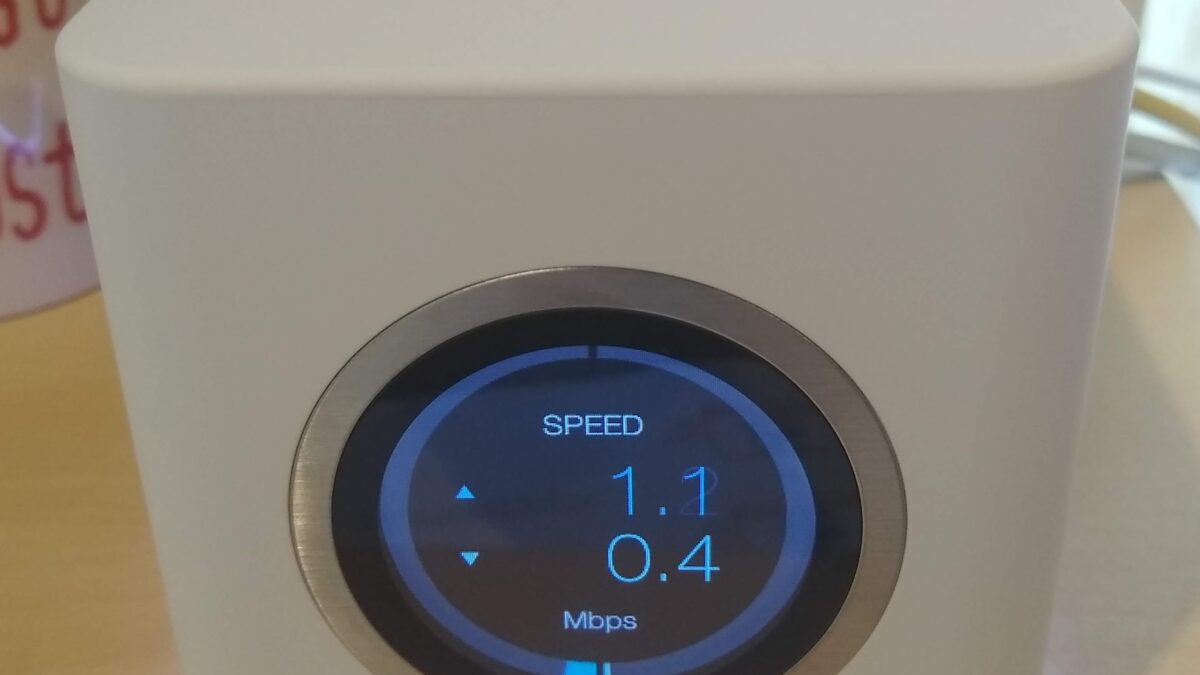
Image: A consumer mesh Wi-Fi system router. Source: Wikimedia Commons (CC).