

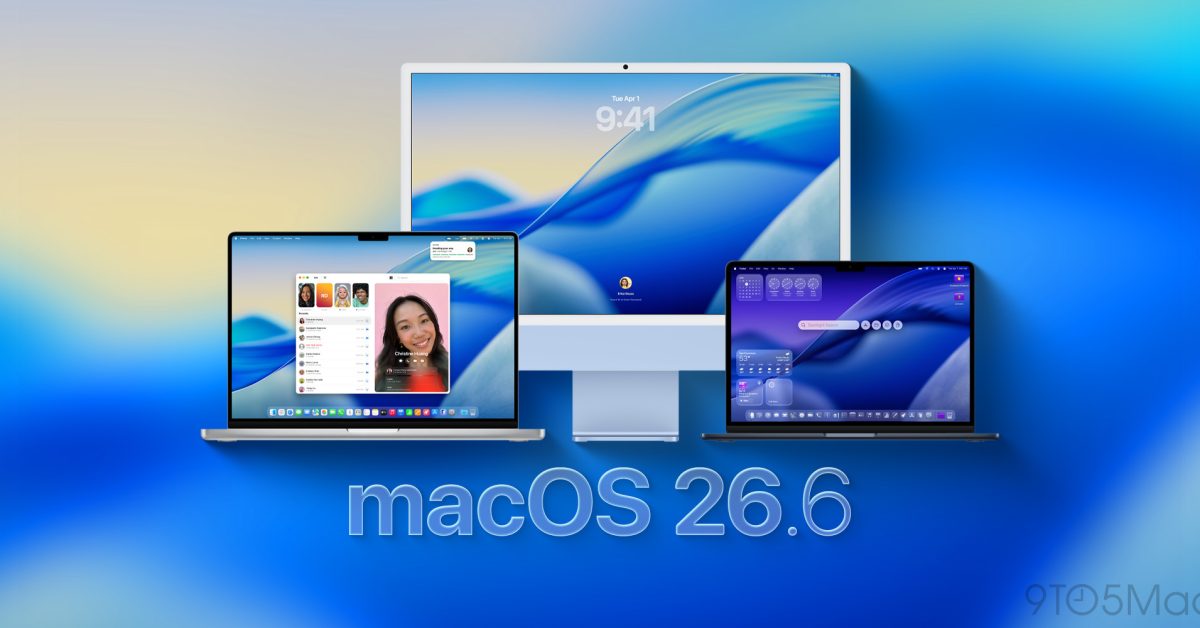
Apple closed out July with the Mac’s turn at the 26.6 update cycle: macOS Tahoe 26.6 began rolling out to all compatible Macs on July 27, following what 9to5Mac describes as an extended developer and public beta period. The headline number is security — the update carries fixes for more than 150 security vulnerabilities, according to 9to5Mac’s read of the release, making it the larger sibling of the same day’s iOS 26.6, which resolved 87 CVEs on iPhone and iPad. Apple’s own software update support page now lists 26.6 as the latest version of macOS, which in Apple’s language means one thing for anyone still sitting on 26.5.2: this is the build you’re expected to be running.
The update lands roughly a month after macOS Tahoe 26.5.2, and MacRumors reports that Apple’s release notes describe it plainly: security fixes for the Mac, plus Spotlight optimization ahead of the release of macOS 27. That second item is easy to skim past, and it’s arguably the most interesting line in the notes.
The quiet groundwork for macOS 27 Golden Gate
Apple has already confirmed that iOS 26.6 and iPadOS 26.6 kick off the on-device indexing process that will power the revamped Siri AI, the standalone Siri app, and related Apple Intelligence features arriving with this fall’s OS generation. Apple has not said the same explicitly for the Mac, but 9to5Mac notes the Spotlight work in 26.6 appears likely to serve the same purpose for macOS 27 Golden Gate — pre-building the index so the new Siri experience isn’t waiting on days of background churn after the big upgrade.
That timing detail matters in practice. Users running the macOS 27 beta have found that initial indexing can take several days to complete. If 26.6 genuinely starts that process now, installing it early means the heavy lifting happens quietly in the background over the coming weeks, rather than stacking up behind the Golden Gate installer later this year. It’s the same staging pattern Apple used ahead of previous Apple Intelligence rollouts: ship the plumbing a release early, light up the feature when the marquee version arrives.
Bug fixes worth knowing about
Beyond security, 26.6 cleans up a handful of concrete annoyances. The most notable for anyone on an older machine: a bug that incorrectly displayed deprecation notices for some Intel-only apps has been fixed. With Apple silicon now several generations deep, false “this app needs updating” warnings on Intel software were causing unnecessary alarm about apps that still run fine. The update also addresses issues affecting HealthKit and a bug with HDR screenshots in Messages.
One small note for build watchers: the shipping release is build 25G72, which differs from last week’s release candidate (25G70) — Apple made at least one late change between the RC and the public build rather than promoting the candidate untouched.
How to update, and why not to wait
The update is available now through System Settings — open the General section, choose Software Update, and the 26.6 build should appear for any Mac that supports Tahoe. For a point release, the calculus is unusually simple this time. A three-digit vulnerability count on the security side would justify prompt installation on its own; there’s no indication any of the flaws were being actively exploited, but patch-now beats patch-later once fixes are public and the vulnerabilities become documented targets.
Add in the likely Spotlight indexing head start for macOS 27, and delaying mostly buys you a slower transition to Golden Gate this fall. The one group that should exercise normal point-release caution: anyone mid-project who depends on niche audio or driver software, where even small macOS updates occasionally shake something loose. For everyone else, the update is a straightforward install — and the earlier the index starts building, the less you’ll notice it happening at all.



