RetroArch, the open-source frontend first released in 2012, unifies more than 200 independent emulator, game engine, and media player cores into a single cross-platform interface, eliminating the need for users to run separate apps for each retro system.
Unlike standalone emulators that only support a single system or small set of related hardware, RetroArch uses the Libretro API to load dynamically swappable “cores” — lightweight, self-contained programs that handle the actual emulation work for a specific system, from the Nintendo Entertainment System to the Sharp X68000. The project’s official documentation describes cores as the building blocks that let a single frontend emulate hundreds of otherwise incompatible machines.
How RetroArch’s Libretro Core System Works
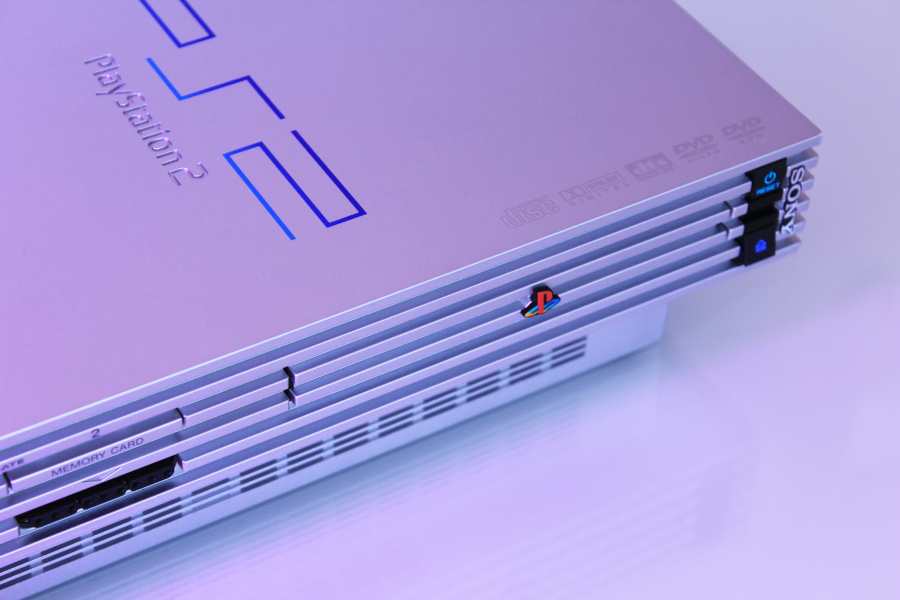
The Libretro API, the technical backbone of RetroArch, defines a standard set of rules that emulator and game engine developers can implement to make their software compatible with any Libretro-compliant frontend. This means a core built for RetroArch will also work with other frontends that support the API, and vice versa, creating a universal compatibility layer for retro software. For example, the LRPS2 core for PlayStation 2 emulation uses a Vulkan-powered LLE (low-level emulation) renderer called ParaLLEl GS that prioritizes GPU-accelerated accuracy over CPU-based software rendering, allowing for enhancements like supersampled antialiasing that would be too slow to run on CPU alone. The core system also supports dynamically loadable programs beyond emulators, including game engines, multimedia players, and even original game disc playback for CD-based systems.
Cross-Platform Support and Unified Configuration
RetroArch is available for download on Windows, macOS, Linux, iOS, Android, and even legacy consoles including the PlayStation 3, PlayStation Portable, PlayStation Vita, Wii, and Wii U, with functionality occasionally adjusted to meet app store platform restrictions. RetroArch and the Libretro API also serve as the backend technology for dozens of unaffiliated platforms and programs worldwide, powering everything from commercial retro gaming consoles to open-source home theater distributions. Unlike running separate standalone emulators where each requires its own controller mapping, video settings, and save directory configuration, RetroArch stores all settings centrally, so users only need to configure input, video output, and audio preferences once for all cores. The frontend also includes automatic controller configuration for common gamepads, mapping inputs to standard console button layouts when a new controller is plugged in, which is particularly useful for multiplayer sessions where friends bring their own hardware.
Built-In Features That Eliminate Third-Party Tools
RetroArch’s next-frame response time feature reduces input latency to levels indistinguishable from original hardware, FPGA-based clones, or real consoles, with additional user-configurable optimizations available for competitive play. Its shader system lets users stack graphical filters to replicate the look of CRT monitors, smooth out pixel art, or apply custom visual effects, with no need for third-party post-processing tools. Built-in netplay lets users host or join multiplayer sessions for retro games via a public lobby, with spectator mode available for watching other players, eliminating the need for separate netplay clients for retro gaming. The frontend also includes native recording and live streaming support for platforms like Twitch and YouTube, so users can capture or broadcast gameplay without additional screen recording software. For competitive players, RetroArch’s runahead feature reduces input lag by processing game logic multiple frames ahead of the current rendered frame, a feature the project introduced to the mainstream emulation space that has since been adopted by many standalone emulators. The frontend also includes a built-in achievement system that lets users unlock trophies and badges for classic games, mirroring the reward systems found on modern consoles. For instance, the DOSBox Pure core, a plug-and-play Libretro port of the DOSBox emulator, supports savestates, rewind, and automatic gamepad-to-keyboard mapping for hundreds of MS-DOS and Windows 9x titles out of the box, with no extra configuration required.
Core Library and Ongoing Development
As of 2026, RetroArch’s built-in Core Updater gives users access to more than 200 official and community-maintained cores, covering everything from 1970s home computers to 2010s game consoles, as well as game engine recreations and multimedia players. The core library is constantly expanding, with new cores added regularly via the built-in updater as developers port new emulators and game engines to the Libretro API. Notable cores include OpenLara, a fan-made Tomb Raider engine recreation that adds modern graphical effects to the original 1996 game’s assets; PX68K, a Sharp X68000 emulator for the Japanese home computer used as a development kit for classic Capcom arcade titles; and the LRPS2 PlayStation 2 emulator core. As a fully open-source project first launched in 2012, RetroArch has pioneered features that have since become standard across the emulation and gaming space, including dynamic core loading, runahead input processing, and standardized controller profiles.
For developers and sysadmins building retro gaming kiosks, home theater PCs, or custom handheld devices, RetroArch’s unified API and centralized configuration drastically reduce maintenance overhead compared to managing dozens of standalone emulators, each with their own update cycles and configuration quirks. The project’s open-source licensing also allows for custom forks and integrations that are not possible with closed-source frontends, making it a common choice for embedded retro gaming distributions like Lakka and RetroPie.
Bottom line: RetroArch is the only free, open-source frontend that consolidates the full retro emulation ecosystem into one cross-platform app, with built-in features that eliminate the need for third-party tools, making it the default choice for both casual retro gamers and developers building custom retro gaming systems.